
01
Bring the details
Choose your source photos and explain the message. Include the facts that matter, such as an offer, date or service. Einwort should not invent them.
How it works
A photo, an idea, a reason to get in touch. Bring them together in a workspace where you can review the words and the image before sharing.
90-day Basic pilot. No card required. Continue only if you choose.
Use the photos, details and ideas you want your customers to see.
Keep your source material with your brand information. Approved logos, colors, typography and voice guide content preparation. Original photographs stay identifiable as your photographs.
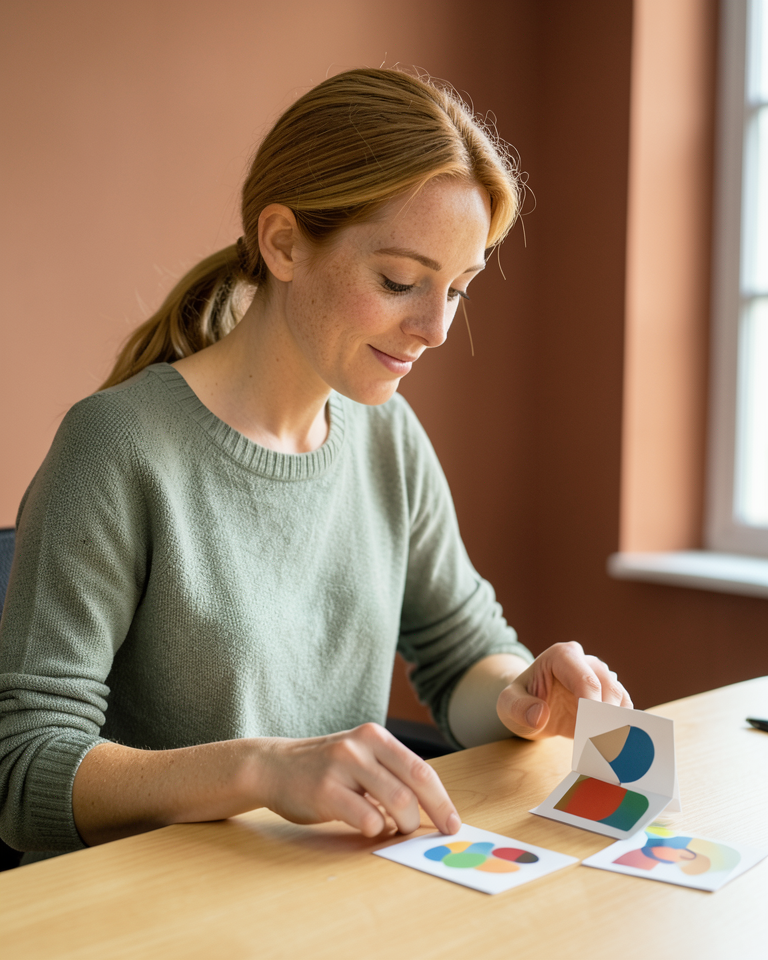
01
Choose your source photos and explain the message. Include the facts that matter, such as an offer, date or service. Einwort should not invent them.
02
Review the caption with the image and its supported channel versions. Request a new generated revision when you want a different direction.
03
Read the words, open the full image and check the intended date. Your approval belongs to the exact content you have reviewed.
04
Download the prepared media and caption for manual posting. Connected publishing requires a supported channel, an authorized account and your recorded approval.
A square photo and an Instagram portrait have different edges.
Review the prepared version for each channel, including its crop, title placement and logo. Open the full-size file before posting. A draft preview helps you check the work; the final appearance in a social network can also depend on that network and the device.
Draft preparation, generated revisions, channel previews and full-size downloads have been exercised in private testing. Connected publishing depends on account authorization, supported capabilities and platform approval. A connection alone never approves a post. Your exact-content approval, schedule and Pause settings control publication.
Explore the workflow, then see whether Einwort fits the way your business creates.